Email Automation with Claude Code and AI Collaboration | Bay Area AI Meetup #2 Report
 @rika· Tue, July 7, 2026

In this report
- A workflow that uses Claude Code to organize incoming email and send scheduled updates to Slack
- Microsoft 365 Copilot examples for drafting documents, organizing information, and summarizing email
- An English picture-book read-aloud system built with AI and operated with a pen-shaped device
- Custom software connecting AI agents and tools including Claude Code, Codex, Gemini, and Cursor
On Wednesday, June 24, 2026, we held “Bay Area AI Meetup #2: Create, Connect, and Automate with AI” at Niterra North America, Inc. in Santa Clara.
The theme was using AI for information gathering, business automation, and building workflows. Participants shared things they had built with AI and examples from their everyday work and lives. The event brought together people with a wide range of experience, from those just starting to use AI to those already using AI agents regularly.
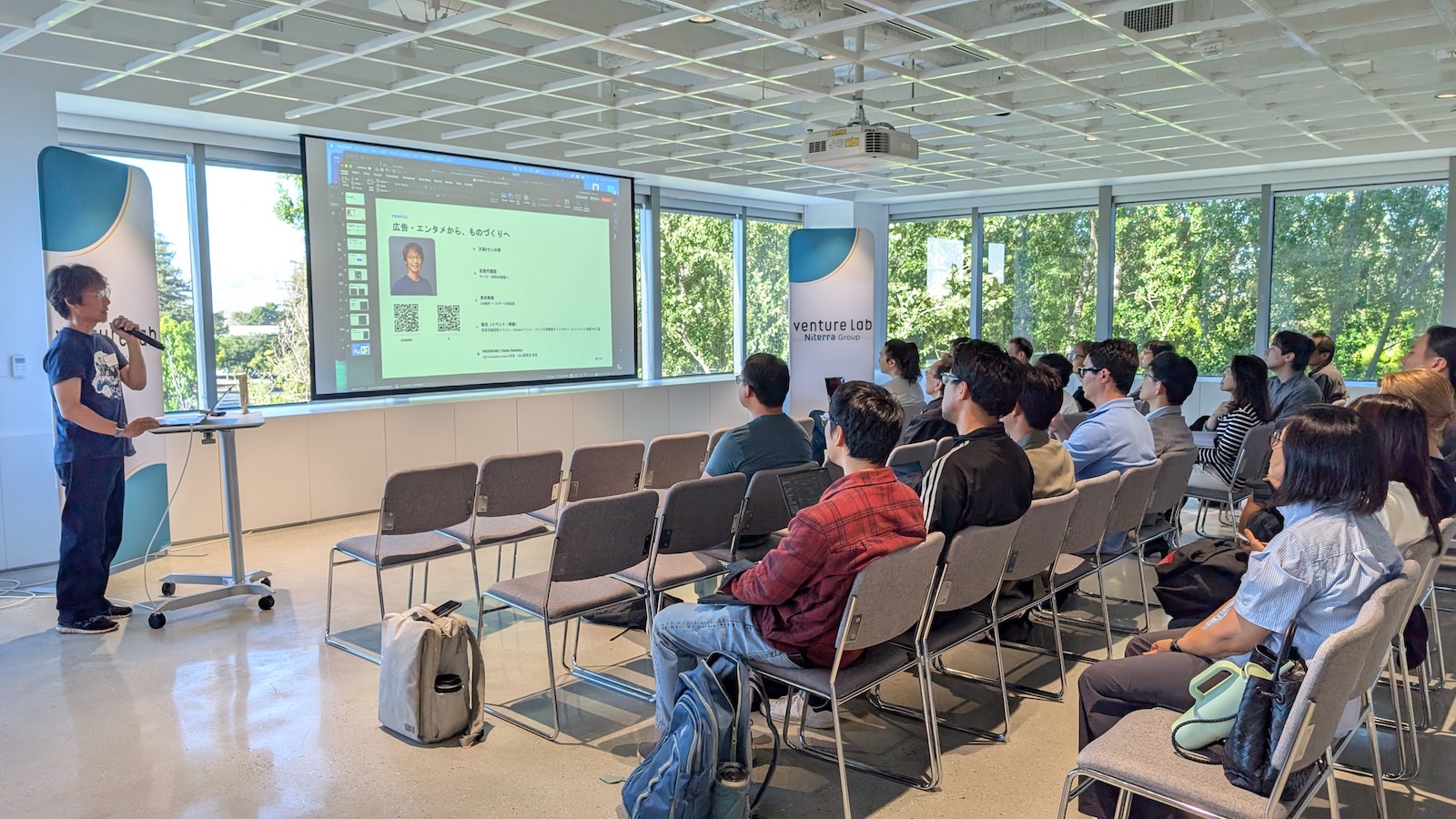
塩見 introduced a system that uses Claude Code to automatically process incoming email, organize it at scheduled times each day, and send updates to Slack. It filters out spam and similar messages in advance, compiles important emails in the evening, and organizes the day's schedule in the morning. It is also used for gathering information and drafting social media posts. The way AI had been naturally integrated into everyday work was particularly striking. Another interesting point was that the system runs continuously on a small computer without requiring a PC to be switched on. It was surprising to see that a non-engineer could build this kind of system.
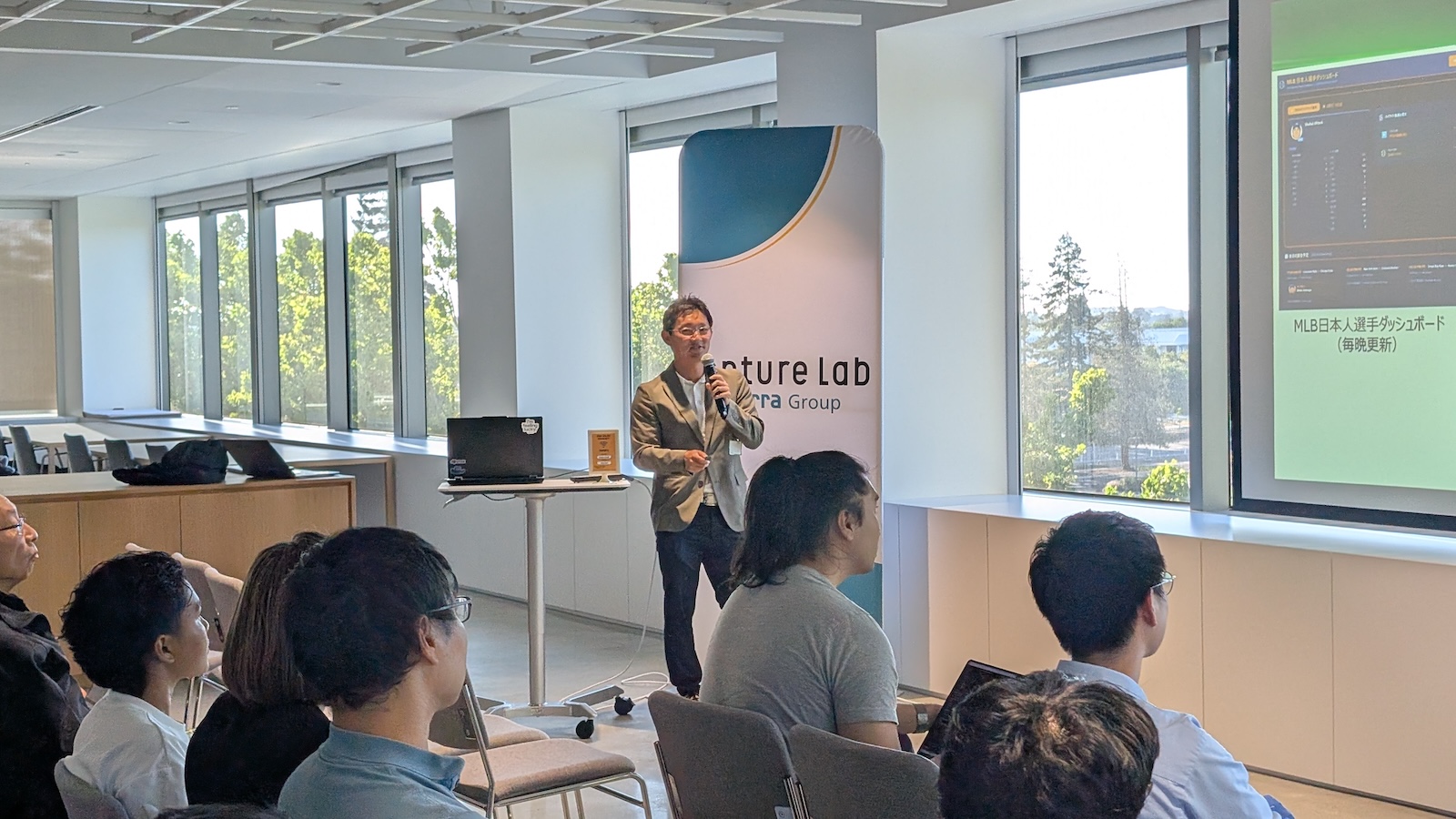
磯村 shared a variety of ways to make work more efficient with Microsoft 365 Copilot. Examples included drafting documents in Word, extracting information for PowerPoint, creating tables, summarizing Outlook emails, and agentic AI that can operate external equipment or understand manuals and answer questions about them. The presentation showed how many everyday tasks can be made more efficient with thoughtful use of AI in a Microsoft-based workplace, and made us want to try Copilot ourselves.
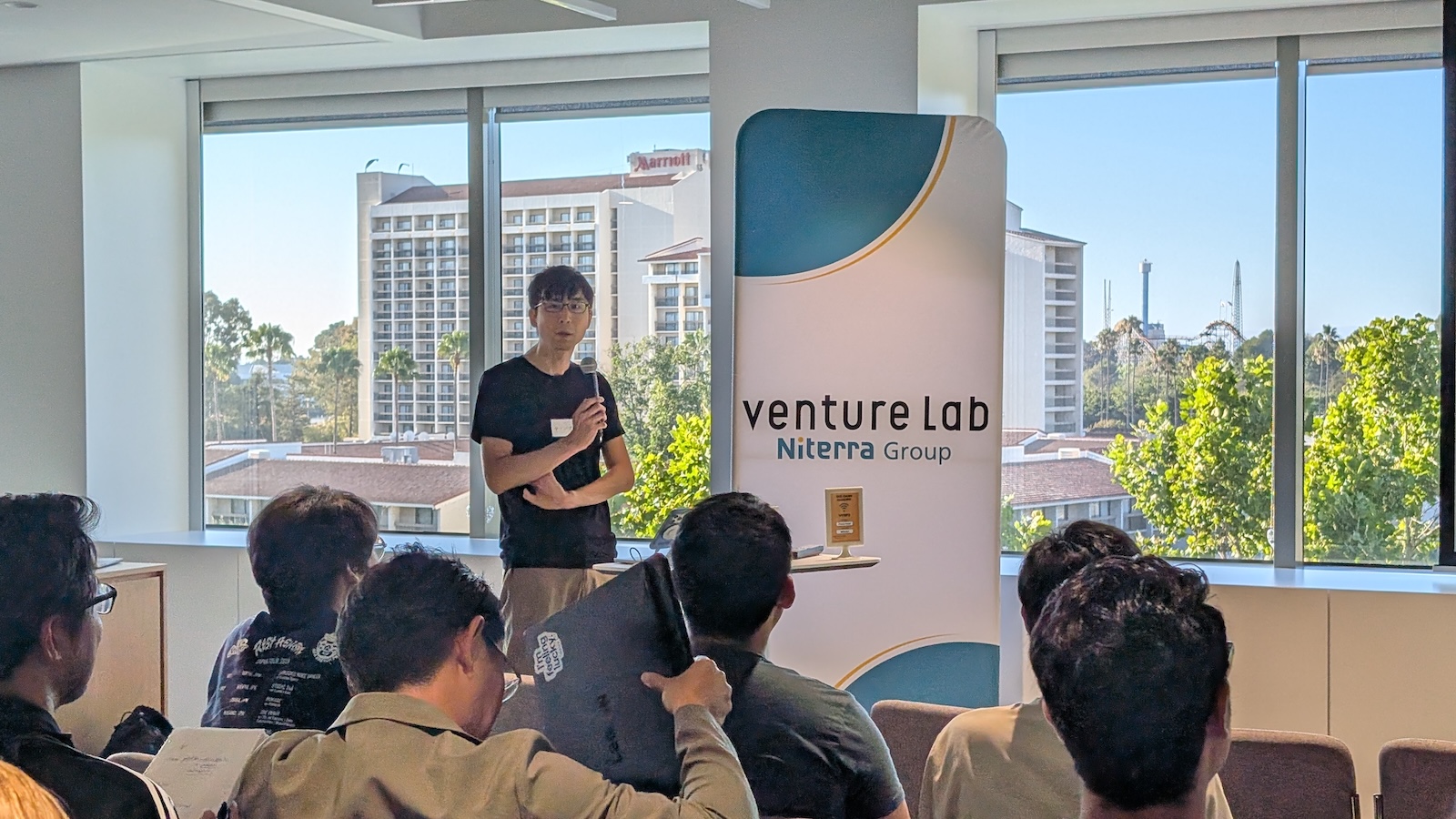
松嶌 introduced an English picture-book read-aloud system for children. Special identification stickers are attached to the books; tracing them with a pen-shaped device triggers a read-aloud in native English. AI was used to build the system itself, but another especially interesting aspect was the practice of keeping logs of conversations with AI and the development process, then expanding the features through repeated experimentation.
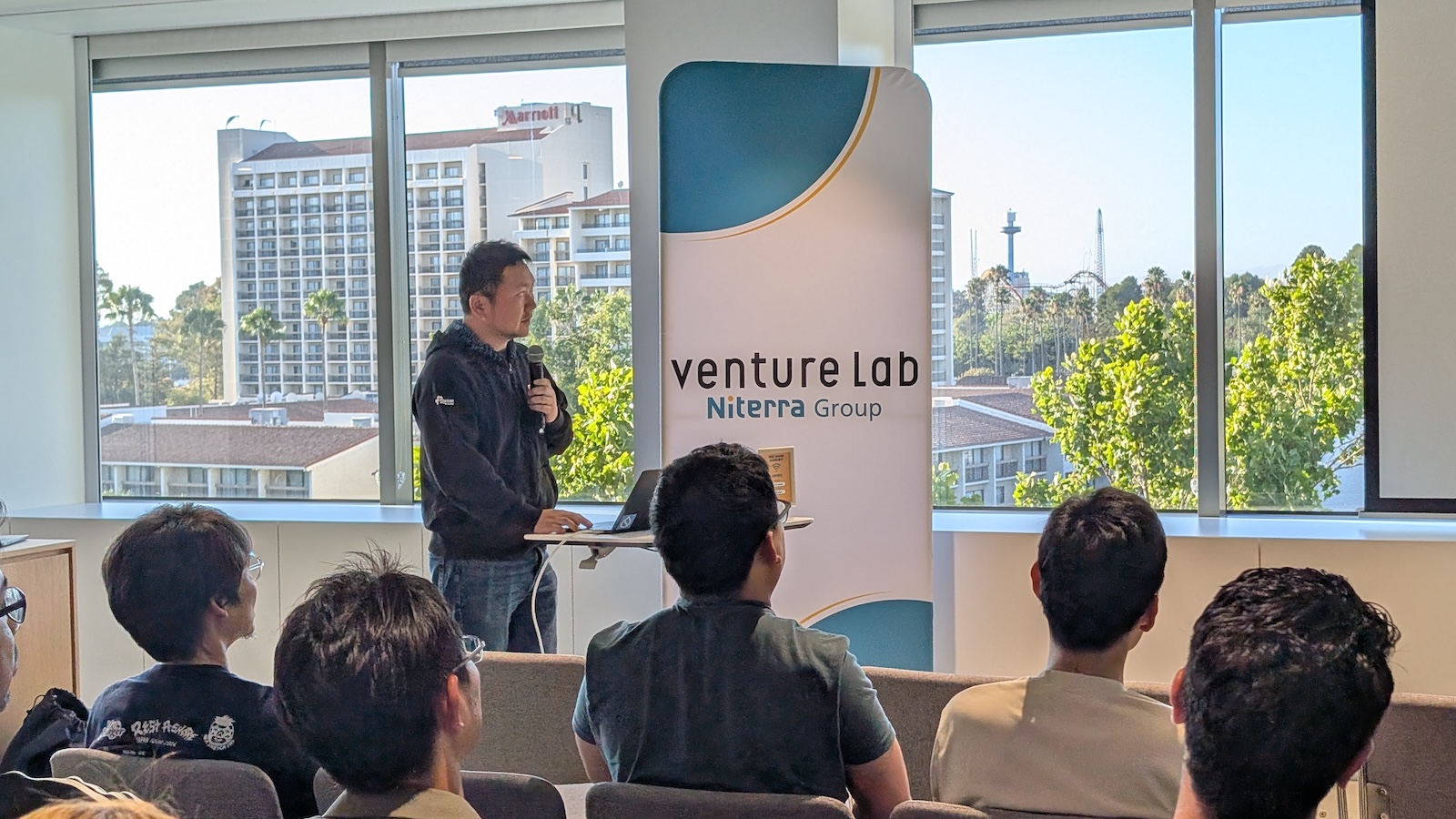
藤川 introduced custom software that lets multiple LLM agents and development tools—including Claude Code, Codex, Gemini, and Cursor—communicate directly with one another. By assigning agents to roles that suit their strengths, or separating supervisory and execution roles, multiple AIs can work together like a team on complex tasks. The software had received a strong response on social media and was reportedly being used by many people. The presentation offered a glimpse of a future in which multiple AIs collaborate on work.
What stood out across all the presentations was that they went beyond ideas: they showed working systems, tools used in everyday life, and the trial and error involved in developing them. We saw different ways of using AI, from running systems that continually support business tasks to connecting multiple agents and refining products through repeated conversations with AI, rather than simply asking it questions.
During the networking and Q&A session in the second half, participants asked about the presentations and actively exchanged information about their own use of AI. Many were inspired by the speakers' practical use of AI agents, and the discussion continued with specific questions and exchanges about how agents are used at work.
Participants came from a variety of backgrounds. Some traveled from San Francisco, while others were making games with AI running autonomously or using AI for 3D modeling and asset creation.
The presentations gave participants who wanted to learn how others use AI, try building something themselves, or explore how AI could help at work an opportunity to share concrete experiences and ideas.
Bay Area AI Meetup is a community where participants learn together by showing one another how they use AI and what they have tried, as well as listening to presentations. We welcome finished products, works in progress, things that did not go well, and recent experiments.
We are continuing to look for speakers for future meetups. Presentations do not need to be polished: we welcome informal sharing about something you recently tried with AI, a small improvement at work, or an experiment that did not succeed but taught you something. Because everyone uses AI differently, we hope to create a place where showing and discussing our experiences leads to new insights.
For our next meetup, we are planning practical live demonstrations using ChatGPT, Claude, Gemini, and similar tools, in a format that is more accessible to people who do not code. We plan to feature examples close to everyday work and life that help participants feel, “I could use this myself.”
Thank you to everyone who attended, to all our speakers, and to Niterra North America, Inc. for providing the venue.
Comments (0)
No comments yet.
You need to log in to comment.
Log in with Google